
Santa Hat PFP Guide: Add a Santa Hat to Photo Free Online Without Circle-Crop Cutoff
Make a crisp Santa Hat PFP in 15 seconds. Add a Christmas hat to any selfie, anime avatar, or pet photo 100% locally in your browser with circle-crop headroom for Discord, Instagram, WhatsApp, and TikTok.
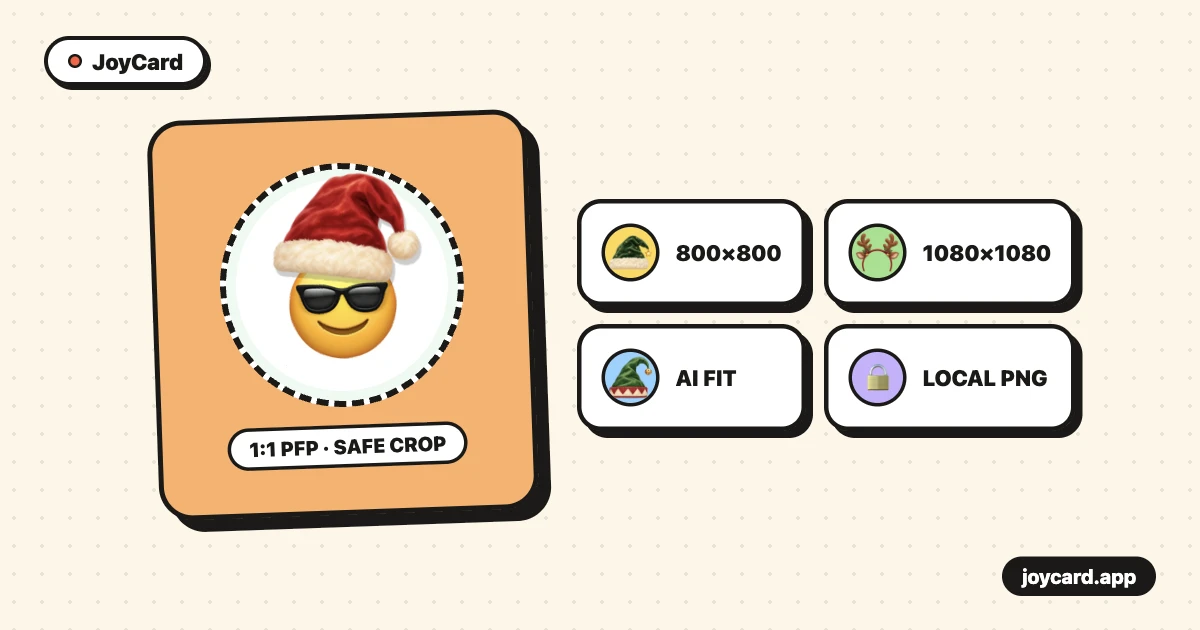
Every December, group chats, gaming squads, and Discord servers quietly coordinate matching holiday avatars. Yet anyone who tries to put a Santa hat on a profile picture using a generic square sticker editor hits the exact same annoyance: the moment Discord, Instagram, or WhatsApp applies its circular avatar mask, the white pom-pom and half the red brim get sliced clean off. Even worse, plenty of "free" avatar sites demand an account or upload your personal camera roll to an unknown cloud server just to paste a hat.
With JoyCard's Add Santa Hat to Photo Free Online tool, you can build a sharp, properly framed Santa Hat PFP in about 15 seconds. Everything runs locally inside your browser—zero cloud uploads, zero watermarks, and exported as a clean 1080×1080 PNG engineered to survive circular social media crops.
How to Add a Santa Hat to Any Photo in Your Browser
Our Christmas PFP Maker combines a square safe-zone cropper with local face alignment so you get a clean fit on the first try:
- Pick your photo and frame a 1:1 crop: Choose a selfie, couple portrait, pet snapshot, or 2D anime/gaming avatar (JPG, PNG, or WebP). If your image is rectangular, use the built-in square crop dialog to leave a sliver of breathing room above your hair before confirming.
- Let on-device face detection align the hat: On supported phones and laptops, a lightweight browser model detects faces (up to 12 people in a single photo!) and places and tilts the hat automatically. Your photo never leaves your phone or laptop—zero bytes are sent to a remote server.
- Switch styles and fine-tune the fit: Cycle between six hand-painted designs—classic red velvet Santa hat, starry green Santa hat, green elf hat, reindeer antlers, cozy knit Christmas beanie, or tartan Santa hat. Drag with one finger or mouse, pinch or drag the corner handles to scale and rotate, or tap Flip so the pom-pom drapes to the other side. Need raw design assets? You can also grab standalone transparent Santa hat PNGs right below the editor.
- Export a crisp high-res PNG: Click Download PNG to save a full 1080×1080 image with zero watermark and zero sign-up, ready to drop straight into any circular profile slot.
Circle-Crop Safe Zone Guide: Platform PFP Sizes for 2026
Why do holiday hats get amputated on social apps? A circle inscribed inside a square trims roughly 21.5% of total corner area, and any hat tilted toward the upper-left or upper-right corner sits directly in that danger zone. Follow the 15% top-headroom rule—keep the highest pixel of your hat brim and pom-pom at least 15% below the top edge of the 1080×1080 canvas—and check these 2026 platform specs:
| Platform | Display & Upload Size | Circle-Crop Quirk to Watch |
|---|---|---|
| Discord | 128×128 px display (upload 512×512 px or 1080×1080 PNG) | Tight circular mask plus a bottom-right Online/DND status badge cutout—avoid hanging a low pom-pom into the bottom-right quadrant. |
| Instagram & Threads | 320×320 px storage (renders ~110×110 px on mobile profiles) | Aggressive edge compression on dark reds; high-contrast white fur trim keeps your Christmas PFP crisp on tiny mobile grids. |
| WhatsApp & Telegram | 500×500 to 640×640 px circle crop | Appears mostly at 40–48 px inside dark-mode chat lists—zoom out slightly during the initial square crop so your face and hat both breathe. |
| TikTok & LINE | 200×200+ / 400×400+ px circular avatar | Live-ring borders hug the outer rim; keeping 15% top and side margin prevents glowing story/live rings from overlapping your hat tip. |
4 Quick Tricks for Pets, Anime PFPs, and Group Photos
- Tilt 8–12 degrees toward the light source: Dead-level hats look pasted on. Check which cheek catches brighter light in your photo, rotate the hat 8–12 degrees, and flip the pom-pom toward the shadier shoulder for instant depth.
- Match hat texture to warm vs. cool backgrounds: Dark neon Discord/gaming avatars pop best with the classic red velvet or tartan hat, while warm indoor café selfies pair naturally with the starry green hat, elf hat, or knit Christmas beanie.
- Use manual corner handles for pets and 2D anime PFPs: Face detection is trained on human faces, so cats, golden retrievers, VTuber models, and pixel art simply switch to manual mode. Drag the hat between or slightly in front of pet ears (or try the reindeer antlers) and scale smoothly from the corner handle.
- Keep silhouettes bold for 40 px chat bubbles: In group chats, your avatar shrinks to the size of a postage stamp. For couple or squad portraits, tap
+to give each person their own hat style, and size each hat slightly larger than real life so it stays unmistakable at 40×40 px.
FAQ
Are my photos uploaded to a server when I add a Santa hat?
No. Every step—from square cropping and optional face detection to canvas compositing and PNG export—runs 100% locally inside your web browser. Your personal photos, selfies, and private avatars are never uploaded, stored, or seen by any server.
Does this Christmas PFP maker work on anime avatars, logos, or pets?
Yes! Even when an image has no human face (such as an anime character, game skin, brand mascot, cat, or dog), you can drag any hat onto the canvas, resize and rotate with the corner handles or two-finger pinch, and flip its direction in seconds.
Is there a watermark, paywall, or account sign-up?
Zero watermarks, zero sign-ups, and completely free. Both the full 1080×1080 PNG profile picture export and the standalone transparent Santa hat PNG downloads are free to save and share as many times as you want.
Which image formats and devices are supported?
You can open standard JPG, PNG, and WebP images on iPhone (Safari), Android (Chrome), Mac, and Windows browsers without installing an app or browser extension.
Ready to suit up your profile for December? Open the Free Santa Hat PFP Maker to create your holiday avatar in seconds—and while your group chat is getting festive, organize your squad's Secret Santa gift exchange in one link with JoyCard Secret Santa Draw or wrap up your favorite memories with a 2026 Holiday Recap.